Powered by Blogger.
RSS

As a Beginner Learner....

Assalamualaikum...


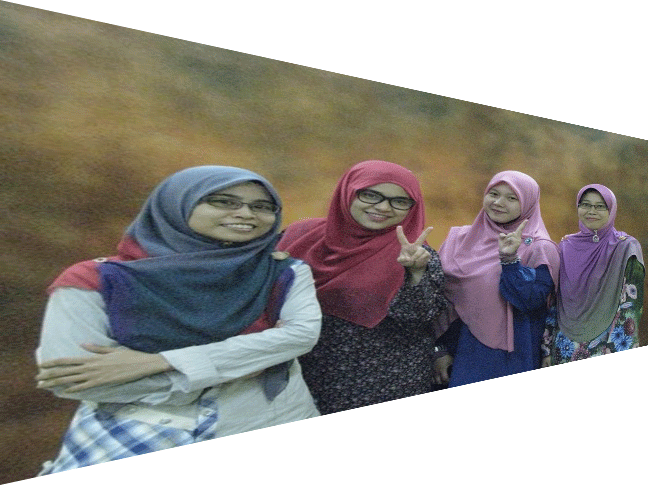
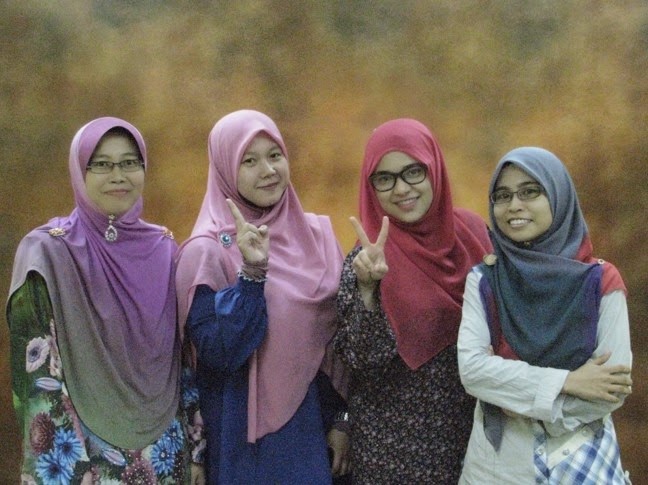
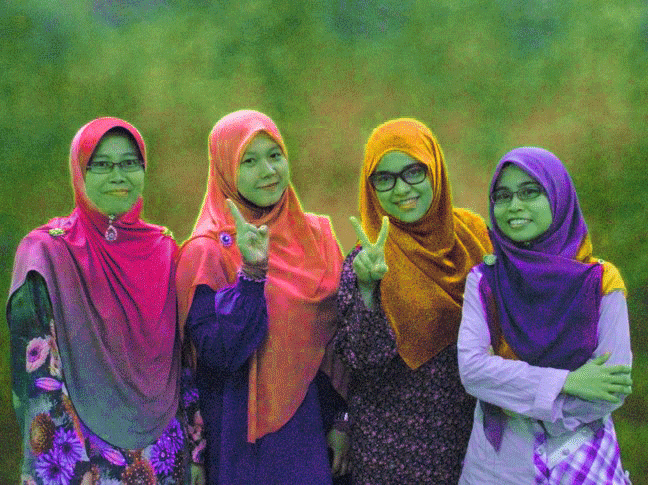
Gabungan 2 gambar:

Gambar 1


Gambar 2 - Latar Belakang


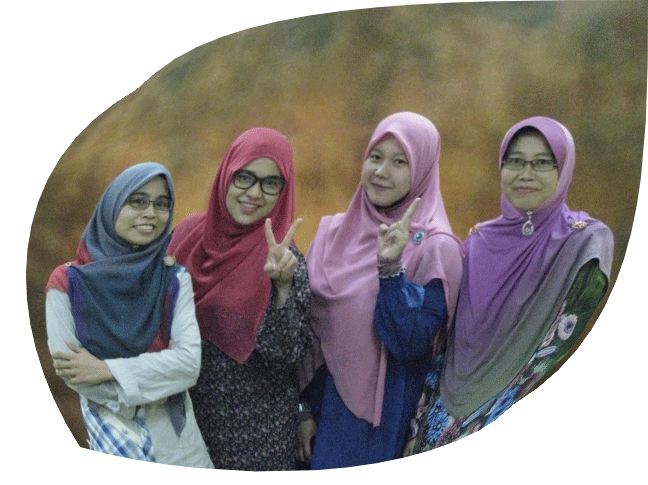
Tadaa...hasil gabungan dua gambar di atas..

Hasil gabungan dua gambar


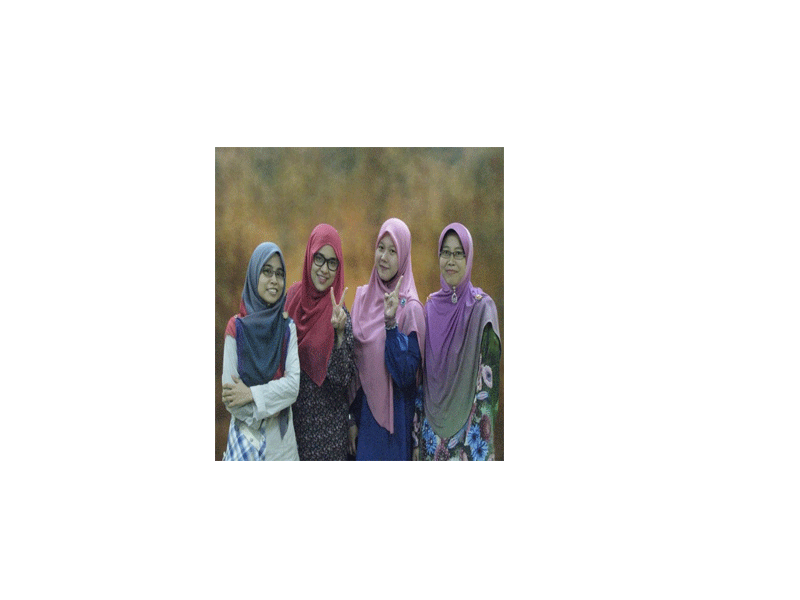
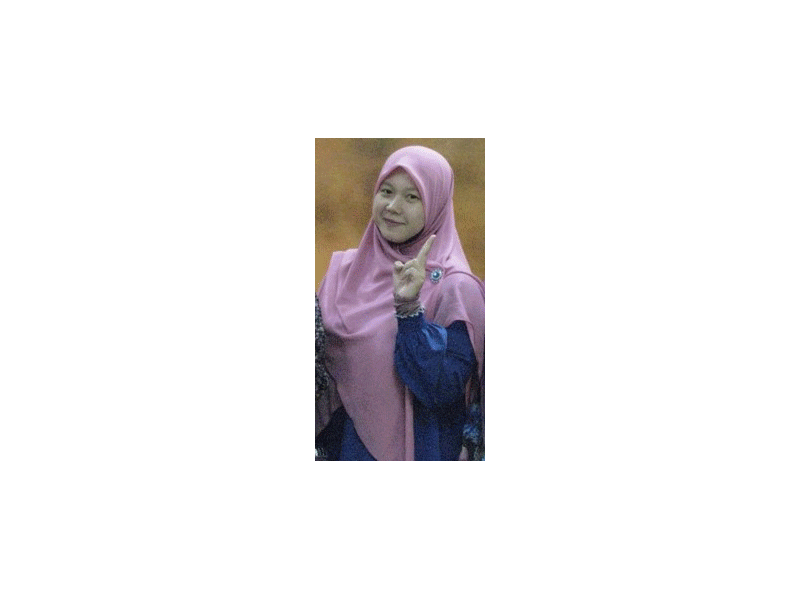
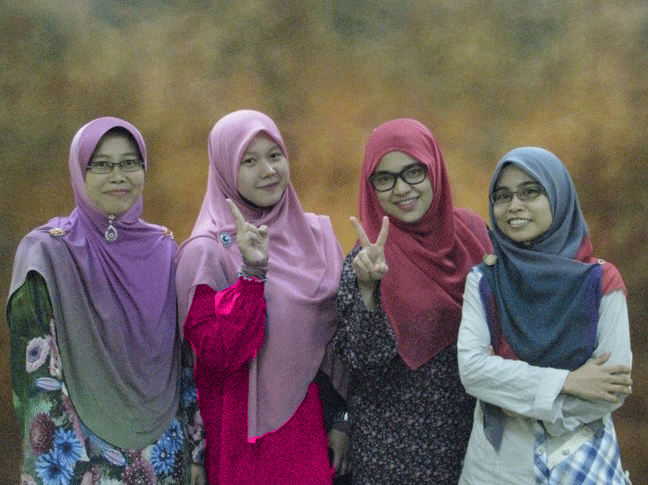
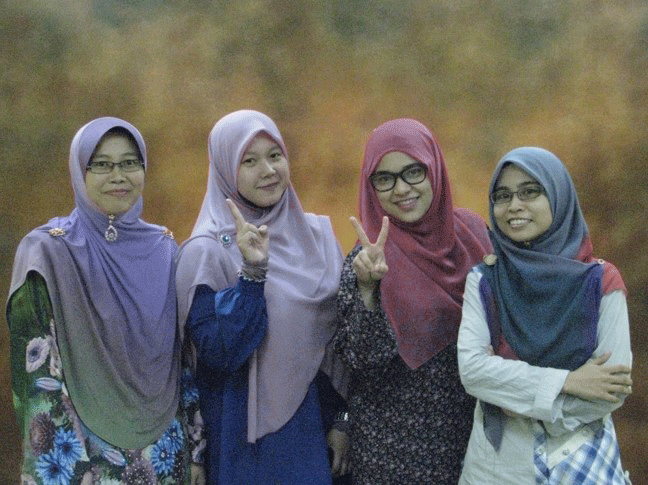
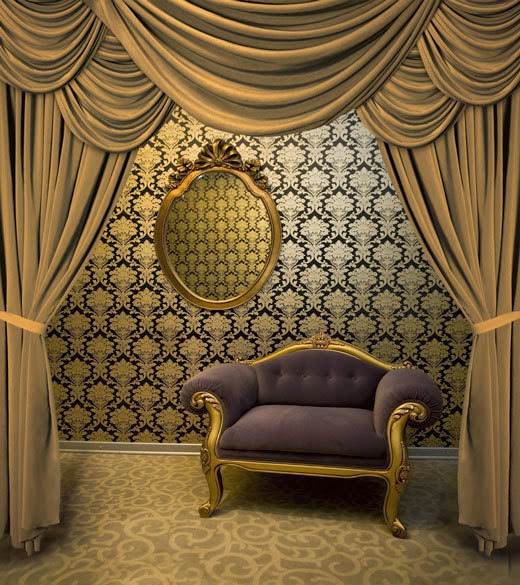
Gabungan tiga gambar:


Gambar 1- Latar Belakang

Gambar 2

Gambar 3

Hasil gabungan tiga gambar:

perggghh..kemain susah lagi nak crop!!


p/s:banyak lagi kena improve..kena banyak praktis..;)

  • Digg
  • Del.icio.us
  • StumbleUpon
  • Reddit
  • RSS

Minggu 10: Manipulating Digital Image

Pada minggu ni kami belajar tentang:

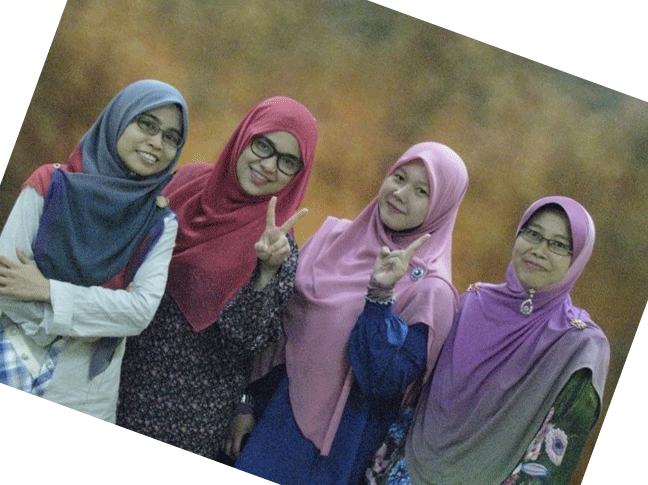
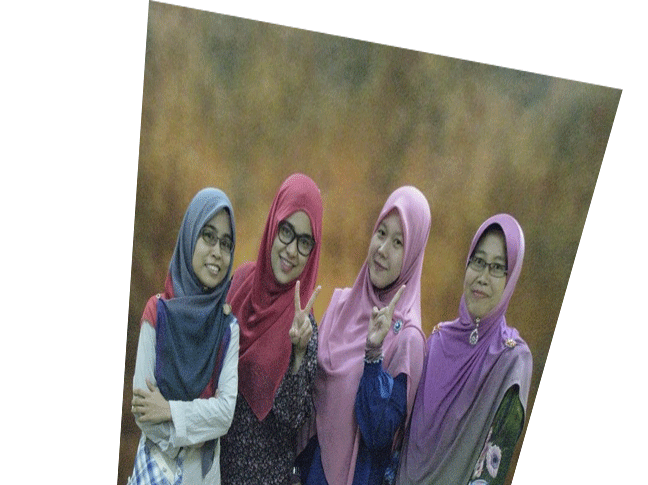
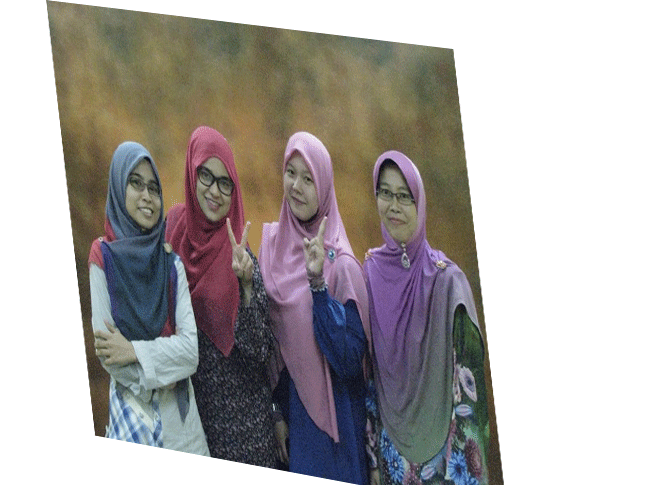
1)    Image transformation (scale, rotate, skew, distort, perspective, warp, crop, flip)

Gambar Sebelum:


Gambar selepas di edit:


Transform  -  Scale


Transform - Rotate

Transform - skew

Transform - Distort


Transform - perspective


Transform - wrap


Transform - Crop


Transform - Flip Horizontal


2)    Modifying Image Color (using the color replacement tool, using the selective color, using the    
        replace color)


using replace color

using color replacement tool

using selective color

3)   Using the Hue/ Saturation


Selepas sesi pembentangan, Dr. J telah menerangkan serba-sedikit pengenalan untuk Adobe Photoshop. Beliau juga mengajar kami macammana nak gabungkan gambar menggunakan Adobe Photoshop. 

Sekian, kelas bersurai..


p/s: nak explore AdobePhotoshop dan cuba gabung gambar.


  • Digg
  • Del.icio.us
  • StumbleUpon
  • Reddit
  • RSS

Minggu 9: Basic Image Editing

Assalamualaikum..Alhamdulillah..still given opportunities to share something today..

Sharing sessions today is more about basic image editing. It sounds interesting because I like editing!!! :)

Let's look more details about basic image editing....

Adobe Photoshop is an example of software that we can used to make editing on image.

History about Adobe Photoshop

Adobe Photoshop is a raster graphics editor developed and published by Adobe Systems for Windows and OS X. Photoshop was created in 1988 by Thomas and John Knoll. 

What can we do with photoshop?
-Selection
-Layers
-Image size alteration
-Noise reduction
-Removal of unwanted elements
-Selective color change
-Cropping an image
-Selecting and merging of images
-Image orientation
-Sharpening and softening images
-Slicing of images
-Change color images
-Change color depth
-Contrast change and brightening
-Color adjustments
-Stamp Clone Tool
-3D/ HD image editing
-Illustrator image editing

How to saving photoshop essential file formats?
-PSD
-JPEG:most popular, supports 24 bit colour, even the cheapest digital cameras can capture images as JPEG files
-GIF: stands for Graphics Interchange Format, format of choice for web graphics, allows web designers to create simple animations.
-PNG: supports up to 48 bit color
-TIFF:files can be very large, for commerial printing.
-EPS: another print industry standard format
-PDF

Image Selection and Editing


Image
-can be two dimensional and three dimensional

Image Size
-Encompasses the processes of altering images, whether they are digital photographs, traditional photochemical photographs, or illustrations.
-Traditional analog image editing is known as photo retouching, using tools such as an airbrush to modify photographs, or editing illustrations with any traditional art medium.
-Graphic software programs which can be broadly grouped into vector graphics editors, raster graphics editors and 3D modelers, are the primary tools with which a user may manipulate, enhance and transform images,
-Many image editing programs are also used to render or create computer art from scratch.


Image Resolution
- Image size refers to the resolution of the image
-Resolution is sometimes identified by the width and height of the image as well as the total number of pixels in the image.
-For example, an image that is 2048 pixels wide and 1536 pixels high (2048 x 1536) contains (multiply) 3 145728 pixels(or 3.1 megapixels).
-As the megapixels in the pickup device in your camera increase so does the possible maximum size image you can produce

Compress or uncompressed
-In addition to image size, the quality of the image can also be manipulated.
-An uncompressed image is saved in a file format that does't compress the pixels in the image at all.
-Formats such as BMP or TIF files do not compress the image. If we want to reduce the "file size", we can choose to store our image as a JPG file and choose the amount of compression that we want before saving the image.

Pixel resolution
-Resolution is the capability of the sensor to observe or measure the smallest object clearly with distinct boundaries.
-there is a difference between the resolution and a pixel.
-A pixel is actually a unit of the digital images.
-Resolution depends upon the size of the pixel. With a given lens setting the smaller the size of the pixel. The higher the resolutions will be and the clearer the object in the mage will be. 


The End...


  • Digg
  • Del.icio.us
  • StumbleUpon
  • Reddit
  • RSS

Minggu 7:Studio Fotografi

Assalamualaikum..

Hai, rasa macam dah lama tak update blog ni..:)
Maafkan saya Dr...:(

TODAY'S SHARING SESSION:

Studio Photography


What is studio photography:

¢A studio is an artist's or worker's workroom, or the catchall term for an artist and their employees who work within that studio.
¢A photographic studio is a business owned and represented by one or more photographers, possibly accompanied by assistants and pupils, who create and sell their own and sometimes others' photographs.


Studio Equipment:
-C-stand
-Cutter (aka flag)
-Net or Serim
-Grid spot
-Barn Doors
-Soft Box
-Cookie
-Silk
-Reflector
-Snoots
-Umbrella


Types of light:
-Flash
-Browline light
-Hotlights
-Spyderlights


Still Life Photography


What is still life photography?

       Still life subject is an inanimate object but other subjects are loosely termed as still life as well. These include flowers, food, etc. They are life forms but they don’t move. Because the subjects are smaller, lighting coverage is less and alternatively less power is needed. Still life setups can be lit with just daylight from a large window and/or the use of one or two flash guns with the aid of a few large white cards to utilize as reflectors.


10 tips to get started with still life photography:


1) Getting started : don't need a a studio to make a start with still life photography, we can begin by simply using a space at home, such as a table placed by a window, along with a simple backdrop and utilizing a couple of lamps.
2) Choosing the subject: find something simple but interesting to start with.

3) Lighting: using standard lamps or try multiple positioning set ups.

4) Tripods and Angles: depending on our lighting situation, we may or may not need to use a tripod and shutter release.

5) Get the backdrop right:keep it nice and simple, so it doesn't interfere with your subject.

6) Composing the shot: is an absolutely crucial part of ensuring that your work is engaging and unique.

7) Taking all day over it: try a few shots

8) Inspired by the masters:  find some inspiration.

9) Now it's our turn: try setting up our camera and backdrop by a suitably light spot next to  a window  and get snapping!!

10) Sharing session: share them online, this may provide a feedback on how to enhance our skill of photography :)

Portrait photography
-photographs that clearly shows the expression of a human most likely to use their faces as main Focal Point.
-settings and scene can really add emotion to a portrait. 
-props help to give the photographs a life and tell us more about the subject. include the props but don't let them become the main focus of the portrait.
-lighting can make or break a photograph.
-candid- don't tell our subject to pose
-different angles can really change the mood and meaning of a photograph.

Types of Portraits:

candid- un-posed and unplanned photo
posed-communication between photographer and the subject about the body position and expression
formal- communication between photographer and the subject regarding clothing, location, style and mood.
couple- interpretation of a relationship between two people
small group- interpretation of a common bond between members of a group
enviromental-an enviromental portrait shows the subject(s) in their own territory
sporting-shows subject with their uniform, equipment in their sporting environment

Portrait Tips
-choosing the right background
-focus on the eyes
-lighting, lighting and more lighting
-change the format framing
-alter your perspective
-experiment with subject expressions
-play with focus
-give your subject space to look into
-reflection and shadow
-movement
-get serious


That's all   :)

p/s: post kali ini xde sebarang gambar, sebab sy nak letak gambar yang diambil oleh sy sendiri...nanti sy update later :)


  • Digg
  • Del.icio.us
  • StumbleUpon
  • Reddit
  • RSS

Minggu 6:Komposisi Imej

Assalamualaikum n Bismillah..

Hai Youollss...

Hari ini punya cerita..pagi-pagi lagi dah tercegat kat fakulti pendidikan..Nak belajar tentang kamera dengan En. Fuad..hihi..

sempat bergambar depan makmal fotografi...mana En. Fuad ni???hihi..

Fokus2..hihi

Seriusnya diorang amik gambar...:)

Banyak benda baru yang saya belajar hari ini daripada En. Fuad. En Fuad terangkan satu persatu fungsi button yang ada kat kamera dan macammana nak setting. En. Fuad juga ajar kami tentang pemilihan shutter speed, aperture dan isolation yang sesuai. Tapi apa yang penting sekali dalam fotografi ini, seseorang tu haruslah berani mencuba.. Kena banyak praktik.. Banyak amik gambar..We learn from our mistakes...hihi..


Sebelah petang pula, seperti biasa, kelas bermula pada pukul 4.30 ptg..Hari ini saya belajar tentang satu tajuk yang sangat menarik iaitu komposisi imej. Secara ringkasnya, komposisi bermaksud teknik meletakkan subjek atau elemen seni di dalam gambar. Penggunaan komposisi yang betul akan memberi kesan yang menarik kepada sesuatu gambar..Antara elemen yang terdapat dalam komposisi adalah seperti di bawah:

Imej Komposisi

10 Rules of Composition


Selain daripada itu, kami juga telah mempelajari tentang "creating mood". Ia sangat penting bagi memberi rasa keseluruhan terhadap sesuatu gambar. Foto yang terbaik perlulah pandai menggunakan beuntuk, garis, pola, tekstur serta ruang dan saiz.

Akhir sekali, kami juga memperolehi pengetahuan yang baru tentang teknik shooting. Antara teknik shooting yang dipelajari pada hari ini ialah:

sudut bawah

Sudut normal

Sudut atas


Teknik-teknik lain:
"panning'- objek bergerak menjadi statik tapi latar belakang masih bergerak
"silhoute"-latar belakang lebih cerah daripada subjek dan subjek menjadi gelap
zoom in dan zoom out-guna bulb setting atau slow shutter speed dan zoom lens
sistem pengcahayaan kreatif- menggunakan flash
pantulan-membuat pantulan pada objek

Sekian, kelas bersurai..:)


p/s: kite curi gambar kahwin kakak kite..:)


  • Digg
  • Del.icio.us
  • StumbleUpon
  • Reddit
  • RSS

Minggu 5: Digital Photography & Lightning


Assalamualaikum..

Bismillah..

Tengok gambar kat atas tu, macam cantik, macam comel je kan?Kita pun boleh ape amik gambar secantik dan secomel tu asalkan kita tahu dia punya teknik dan asas-asas penting tentang digital fotografi. So, hari ni kumpulan kami membentangkan tajuk tentang asas-asas digital fotografi, edit gambar guna kamera dan juga tentang  alat penyimpanan. 

Antara perkongsian kami dalam kelas hari ini ialah:


Terdapat tiga jenis editing yang boleh kita lakukan terus menggunakan kamera iaitu:
  • Adjusting the brightness
  • Trimming image
  • Correcting image
Gambar-gambar yang kita sudah amik dan edit juga boleh disimpan di dalam memori kad. Terdapat pelbagai jenis memori kad seperti yang dinyatakan di bawah. Setiap memori kad ini mempunyai fungsi yang berbeza. 


Selain daripada itu juga, kami  juga belajar tentang pengcahayaan. Pengcahayaan ini sangat penting bagi menghasilkan gambar yang berkualiti dan cantik. Tanpa pengcahayaan yang betul, gambar akan nampak suram, terlampau gelap, terlampau cerah dan tidak menarik. Terdapat dua jenis sumber pengcahayaan iaitu pengcahayaan semulajadi seperti cahaya matahari, cahaya bulan atau cahaya kilat  dan pengcahayaan bukan semulajadi seperti cahaya flash, dan cahaya dalam studio. 

Gaya pengcahayaan pula terbahagi kepada dua iaitu high-key dan low key. Jenis cahaya pula adalah hard light (contoh cahaya matahari) dan soft light (contoh bouncing the light). Negative fill akan digunakan utuk mengurangkan cahaya yang berlebihan. Pengcahayaan portrait pula terbahagi kepada tiga iaitu edge lighting, rembrandt lighting, dan butterfly lighting. 

Apa yang penting sekali dalam pengcahayaan ialah kita perlu tahu basic tentang aperture, shutter speed dan ISO. Jenis pengcahayaan seperti cahaya depan, cahaya sisi dan cahaya belakang juga memainkan peranan yang penting. Antara alat yang digunakan adalah seperti di bawah:


      Kumpulan ini juga turut berkongsi pengetahuan tentang cahaya buatan seperti di bawah: 


     Sebelum kelas bersurai, Dr. Shah bagi kami tugasan tentang "Bulb Mode". Setting yang disarankan ialah aperture F4-F8, ISO 100, Speed-bulb. 


Sekian, kelas bersurai...

p/s:lepas ni kena rajin-rajin cuba amik gambar sendiri dan aplikasikan apa yang dah belajar dalam kelas. Kata nak jadi photographer professional kan???hihi..

  • Digg
  • Del.icio.us
  • StumbleUpon
  • Reddit
  • RSS

Minggu 4: Studio Fotografi


Assalamualaikum..

Minggu ni saya tak dapat hadirkan diri ke kelas Visual Technology. Walaupun rasa sedih, tapi saya bersyukur kerana dikurniakan rakan sekelas yang baik hati kesemuanya. Tak kedekut ilmu.So, kat sini bolehla saya kongsikan serba sedikit apa yang saya faham daripada apa yang dikongsikan oleh mereka kepada saya. 

Kelas pada hari ini telah dijalankan di Studio fotografi dan dikendalikan oleh En. Fuad. Kelas dimulakan oleh En. Fuad dengan penerangan serba sedikit tentang apa yang dimaksudkan dengan studio fotografi dan apa alat yang perlu ada di dalam studio fotografi. Antara alat yang perlu ada adalah seperti berikut:


  • Flash (usually external flash or speedlight)
Kebanyakan ahli fotografi lebih suka menggunakan external flash kerana pengcahayaannya boleh diubah mengikut situasi. Flash amat penting untuk menghasilkan gambar yang berkualiti dan cantik. Setting yang paling sesuai untuk digunakan ialah ISO-400, F 5.6 Aperture, dan Speed 1/125 with flash.


Jom belajar daripada Youtube...

Triggers akan digunakan jika flash terminal di kamera tidak dapat menyokong external flash
sumber:google
  • Studio Stand

  • Soft Box Flash

soft box flash
sumber:google

  • Backdrop

Backdrop yang cantik!!!


Sekian..

p/s: jeles tengok kawan-kawan amik gambar dalam studio fotografi...mengaplikasikan ilmu yang ada..menyesal beli tiket bas balik kampung awal2..Selamat Hari Raya Aidiladha buat semua..Maaf Zahir & Batin..

  • Digg
  • Del.icio.us
  • StumbleUpon
  • Reddit
  • RSS